Desktop PC vs Gaming Laptop Electricity Cost in Pakistan 2026: Wattage, UPS Backup & Bill Guide | BillsOnlinePk

Executive Summary: With millions of Pakistani youths, software engineers, video editors, and gamers working as remote freelancers across Lahore, Karachi, Rawalpindi, and Peshawar, domestic computer workstations run for 8 to 16 hours every day. In an era where Pakistani residential electricity tariffs exceed Rs. 55 to Rs. 65 per unit, many professionals are shocked to find their high-end custom desktop PC adding Rs. 4,000 to Rs. 9,000 to their monthly utility bills. How does a custom desktop gaming PC compare against a modern gaming laptop in terms of power draw? How much does GPU rendering or gaming cost per hour? Can a standard solar UPS run a 750W desktop power supply during load shedding? This rigorous 2026 engineering manual provides complete wattage measurements, power supply efficiency curves, undervolting tips, and monthly bill projections.
Table of Contents (Jump to Section)
- 1. Power Supply Unit (PSU) Architecture: Wall Draw vs Component Draw
- 2. Hourly & Monthly Electricity Cost Comparison in Pakistan
- 3. UPS Backup & Inverter Load Shedding Survival
- 4. Thermal Management & Ambient Room Heat Load
- 5. Software Optimization: Undervolting & Frame Rate Capping
- 6. Pure Sine Wave vs Modified Sine Wave UPS Hazards
- 7. Frequently Asked Questions (FAQ)
1. Power Supply Unit (PSU) Architecture: Wall Draw vs Component Draw
A widespread misconception among computer owners is that a desktop PC with an 850W Power Supply Unit (PSU) draws 850 Watts continuously from the wall outlet. In reality, a PSU only draws what the internal components (CPU, GPU, motherboard, fans, storage) demand, plus conversion efficiency losses:
- 80 PLUS Efficiency Certifications: Alternating current (220V AC) from the wall must be converted into direct current (+12V, +5V, +3.3V DC) for PC silicon. An uncertified budget PSU operates at only 70% efficiency, converting 30% of consumed electrical energy into pure waste heat. Conversely, an 80 PLUS Gold certified PSU achieves 90% efficiency at 50% load, wasting only 10% as heat.
- Desktop Idle vs Gaming Load: A modern desktop with an Intel Core i7 / AMD Ryzen 7 processor and NVIDIA RTX 4070 GPU draws only 55W to 75W at idle (browsing web, typing documents). However, during intense 1440p gaming or 3D Blender rendering, total system power draw jumps to 350W - 480W from the wall.
- Gaming Laptop Power Envelope: Gaming laptops utilize mobile silicon with tightly constrained Thermal Design Power (TDP). A laptop featuring an RTX 4070 Mobile GPU and Core i7 processor operates within a total power envelope of 140W to 180W at full load, and consumes merely 15W to 25W at idle.
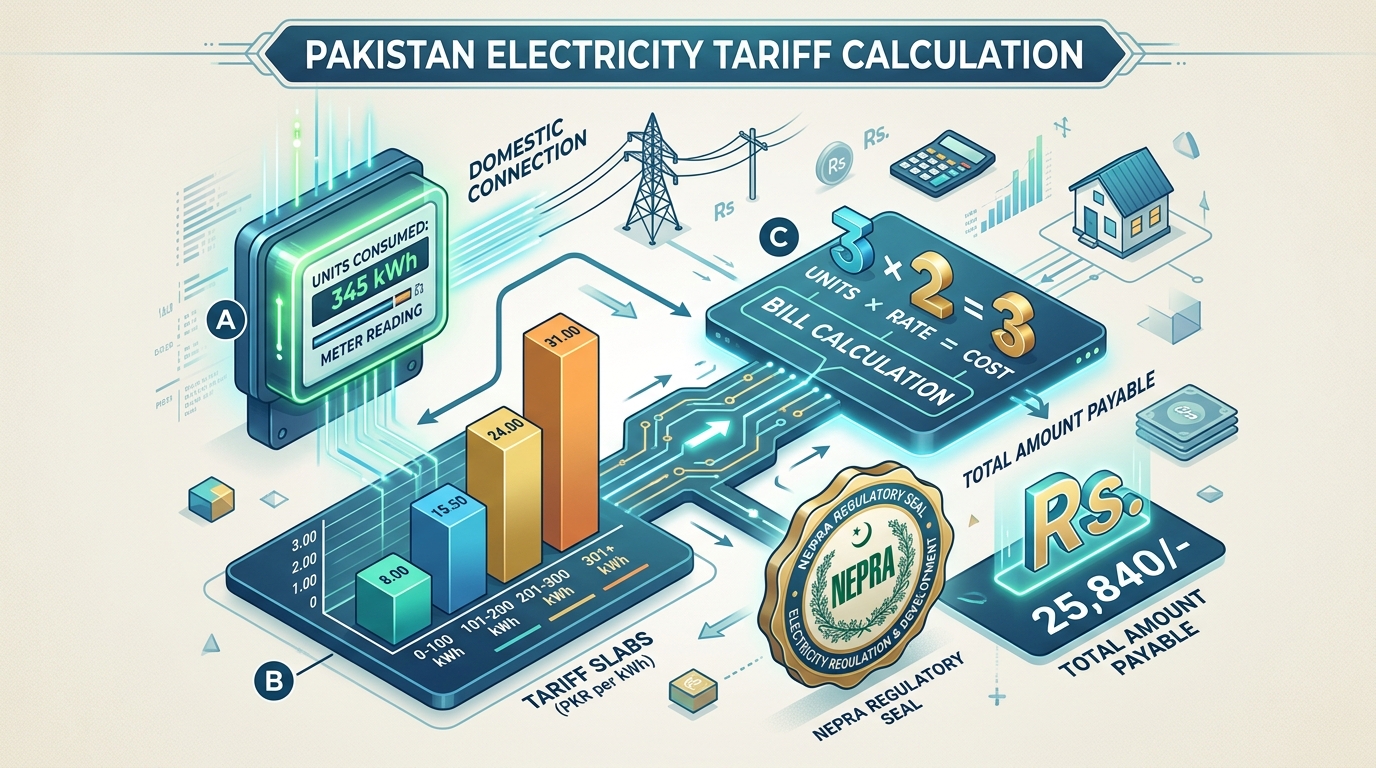
2. Hourly & Monthly Electricity Cost Comparison in Pakistan
Let us compare the electrical consumption and operational costs of a Desktop PC versus a Gaming Laptop under 2026 Pakistani electricity tariffs (@ Rs. 58 per kWh unit in slab 301-700):
| Usage Scenario | Desktop PC (Ryzen 7 + RTX 4070 + 27" Monitor) | Gaming Laptop (Core i7 + RTX 4070 Mobile) | Desktop Hourly Cost (@ Rs. 58/Unit) | Laptop Hourly Cost (@ Rs. 58/Unit) |
|---|---|---|---|---|
| Idle / Word Processing / YouTube | 75 Watts (0.075 kWh) | 22 Watts (0.022 kWh) | Rs. 4.35 / Hour | Rs. 1.28 / Hour |
| Freelance Coding / Graphic Design | 140 Watts (0.140 kWh) | 45 Watts (0.045 kWh) | Rs. 8.12 / Hour | Rs. 2.61 / Hour |
| Heavy 1440p Gaming / 3D Rendering | 420 Watts (0.420 kWh) | 175 Watts (0.175 kWh) | Rs. 24.36 / Hour | Rs. 10.15 / Hour |
| Monthly Cost: Full-Time Freelancer (8 hrs/day work) | 33.6 Units = Rs. 1,948 / Month | 10.8 Units = Rs. 626 / Month | - | - |
| Monthly Cost: Hardcore Gamer (6 hrs/day gaming) | 75.6 Units = Rs. 4,385 / Month | 31.5 Units = Rs. 1,827 / Month | - | - |
A gaming laptop consumes 55% to 65% less electricity than an equivalent desktop computer over identical workloads, saving Rs. 2,500 to Rs. 4,000 monthly for heavy users.
3. UPS Backup & Inverter Load Shedding Survival
In Pakistan, power outages (load shedding) represent an omnipresent challenge for digital professionals. The difference in battery backup runtime between a desktop and a laptop is monumental:
- Desktop PC on UPS: A desktop drawing 350W requires a minimum 1,000VA / 600W Line-Interactive UPS. On a standard 12V 7Ah internal sealed lead-acid battery, backup duration is merely 3 to 5 minutes—barely enough time to save project files and perform a safe Windows shutdown. To achieve 2 hours of gaming runtime during loadshedding, you require an external 1.5kVA UPS connected to a massive 12V 200Ah deep-cycle tubular battery.
- Gaming Laptop Built-in Battery: A gaming laptop incorporates its own internal lithium battery (typically 80Wh to 99Wh). When utility power cuts out, the laptop transitions instantly with zero risk of shutdown or data corruption, providing 1 to 2 hours of gaming or 4 to 6 hours of light office work without requiring any external UPS.

4. Thermal Management & Ambient Room Heat Load
Every watt of electricity consumed by computer hardware is converted into thermal heat that is dumped directly into the room:
- Room Heat Load from Desktop: A desktop PC drawing 420W acts as a 420-Watt space heater. In a small 10x12 foot home office during summer, this thermal output raises room temperature by 2°C to 4°C within an hour, forcing your 1.5-ton inverter air conditioner to work harder to maintain set temperature. This secondary AC cooling load adds an extra 150W to 200W of electricity consumption at the meter!
- Laptop Heat Output: A gaming laptop drawing 160W releases less than 40% of the heat of a desktop, keeping home office temperatures noticeably cooler and reducing air conditioner compressor strain.
5. Software Optimization: Undervolting & Frame Rate Capping
If you already own a powerful desktop PC in Pakistan, you can cut power consumption by 25% to 35% with zero perceptible loss in performance through software optimization:
- GPU Undervolting (MSI Afterburner): Modern graphics cards run at factory voltages higher than necessary to ensure stability across silicon binning variations. By applying a custom voltage-frequency curve in MSI Afterburner (e.g. running an RTX 3070/4070 at 0.900V instead of 1.050V), GPU power consumption drops by 50W to 80W while maintaining identical frame rates and running 8°C cooler.
- Cap Frame Rates to Monitor Refresh Rate: If your monitor refresh rate is 144Hz, running a game at 250 FPS wastes pure electrical power generating frames your monitor cannot physically display. Cap your global frame rate in NVIDIA Control Panel or AMD Adrenalin to match your monitor refresh rate to drop GPU utilization and power draw.
6. Pure Sine Wave vs Modified Sine Wave UPS Hazards
Never connect an expensive custom desktop PC with an Active PFC (Power Factor Correction) power supply to a cheap modified sine wave or square wave UPS:
- Active PFC Phase Conflict: Modern PC power supplies feature Active Power Factor Correction circuits that expect clean 50Hz sinusoidal AC waveforms. When subjected to the stepped, square waveforms of cheap local UPS units, the PFC controller buzzes aggressively, overheats, and can suffer catastrophic capacitor blowouts.
- Pure Sine Wave Requirement: Always invest in a Pure Sine Wave inverter or UPS (such as APC Smart-UPS, Inverex, or Homage Pure Sine Wave series) to protect your workstation motherboard and multi-thousand dollar GPU hardware.
7. Coworking Spaces & Software House Power Infrastructure Design
For Pakistani IT export companies, animation studios, and BPO call centers operating in Lahore Arfa Software Tech Park or Karachi IT plazas, power architecture design directly impacts corporate profit margins. When equipping a 50-developer software house, specifying desktop workstations versus high-performance business laptops represents a massive electrical divergence.
A 50-desktop development floor draws approximately 17.5 kW of continuous electrical load (including dual monitors), demanding a dedicated 30kVA 3-phase diesel generator and central 40kVA online UPS with substantial battery banks to survive utility outages. Conversely, 50 developer laptops draw merely 3.5 kW total. This 80% reduction in electrical demand cuts required generator diesel consumption from 8 liters per hour down to 2 liters per hour, slashing monthly IT facility operating expenses by over Rs. 350,000 during summer load shedding seasons.
7. Frequently Asked Questions (FAQ)
How much electricity does a gaming desktop use per hour in Pakistan?
Under full gaming load, a modern mid-to-high range desktop PC (RTX 4060/4070) with a monitor draws between 320W and 450W, consuming approximately 0.35 to 0.45 electricity units per hour. At Rs. 58/unit, this costs around Rs. 20 to Rs. 26 per hour.
Can a 1kVA solar inverter run a gaming PC during loadshedding?
Yes, provided it is a Pure Sine Wave inverter and other household loads on that circuit are minimized. However, during heavy gaming, a 400W desktop draw will drain a 100Ah battery in approximately 1.5 to 2 hours.
Does leaving a PC in Sleep mode consume a lot of electricity?
No. In Windows Sleep mode, modern desktop PCs draw only 2 to 4 Watts (practically negligible, costing less than Rs. 10 per month). However, completely shutting down or disabling RGB motherboard LEDs saves even more.
Why is a gaming laptop more power-efficient than a desktop?
Laptops use specialized mobile processors and graphics chips engineered with lower voltages and aggressive power-saving states designed to conserve battery life, drawing 50% to 65% less power than desktop components.
Need to check or calculate your current utility bill?
Verify your electricity duplicate bill with instant photo-reading verification or calculate slab costs accurately.