Online Bill Check LESCO: If you are searching for online bill check LESCO, you probably want one simple thing: your latest electricity bill without waiting for the paper copy to arrive. Fortunately, checking a LESCO electricity bill online has become much easier because electricity consumers can use digital billing systems to view important information such as the billing month, units consumed, due date and amount payable. The Power Information Technology Company (PITC) also provides online duplicate electricity-bill services for distribution companies including Lahore Electric Supply Company (LESCO).
Online Bill Check LESCO
LESCO is one of Pakistan’s major electricity distribution companies and serves consumers in Lahore and surrounding districts. For someone who has misplaced a bill, never received the paper copy, needs a bill for payment or simply wants to confirm the current amount, an online LESCO bill check can save considerable time.
Instead of standing in a queue or searching through old papers, you can use the identifying information printed on a previous bill and access the available billing record online. The most commonly used identifier is the reference number, although some LESCO services may also use a consumer or customer ID. Current online bill-checking services commonly describe the reference number as the key information needed to retrieve the bill. Online Bill Check LESCO
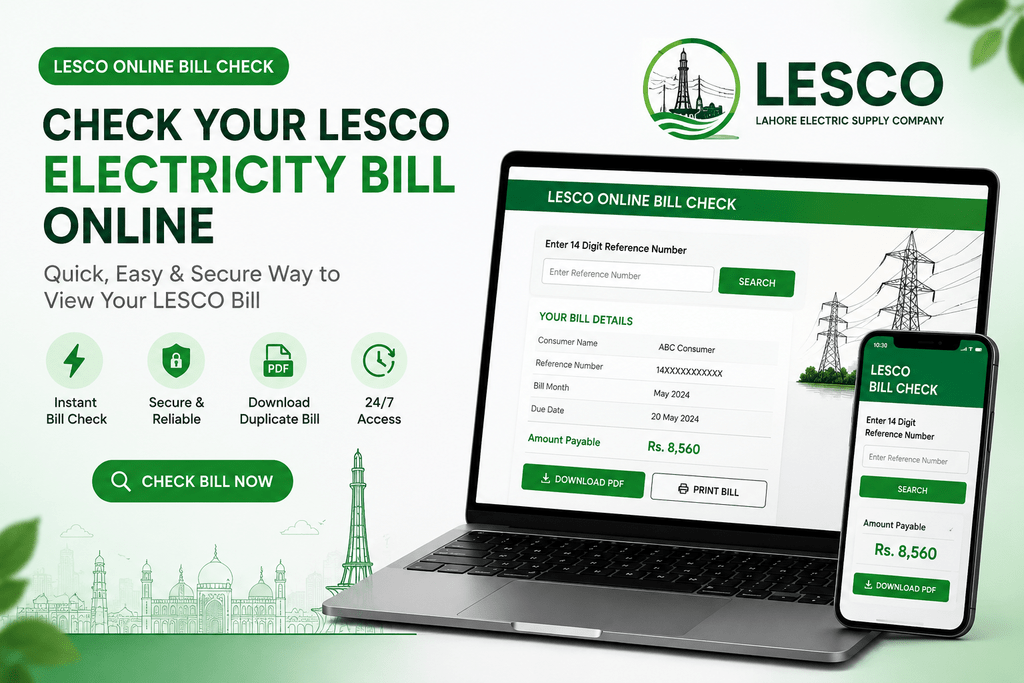
This guide explains the complete process in straightforward language. You will learn how to check a LESCO bill online, locate your reference number, download a duplicate bill, save it as a PDF, understand major bill fields, identify common problems and take sensible steps when a bill appears incorrect. The goal is not simply to tell you where to type a number; it is to help you understand what happens after you retrieve the bill and what you should verify before making a payment.
What Is LESCO and Why Online Bill Checking Matters
Lahore Electric Supply Company, commonly known as LESCO, distributes electricity to consumers in its service territory in Punjab. Online bill checking is particularly useful because electricity bills are issued every billing cycle, while paper delivery can sometimes be inconvenient or delayed. When you have access to the digital version, you can review the bill whenever you need it instead of depending entirely on the physical document. PITC has maintained an online duplicate-bill facility covering LESCO and other distribution companies, demonstrating the importance of digital access to electricity billing information. Online Bill Check LESCO
Think of an online bill as a digital window into the same monthly billing process. It does not mean your electricity connection has changed or that you have created a new account. Instead, the online system allows you to retrieve billing information associated with your existing electricity connection. This is especially useful for tenants, homeowners, shopkeepers, office managers and families who need to keep monthly electricity records organized. A saved PDF can also be useful when you need to review previous bills, compare consumption or provide documentation for a legitimate administrative purpose. Online Bill Check LESCO
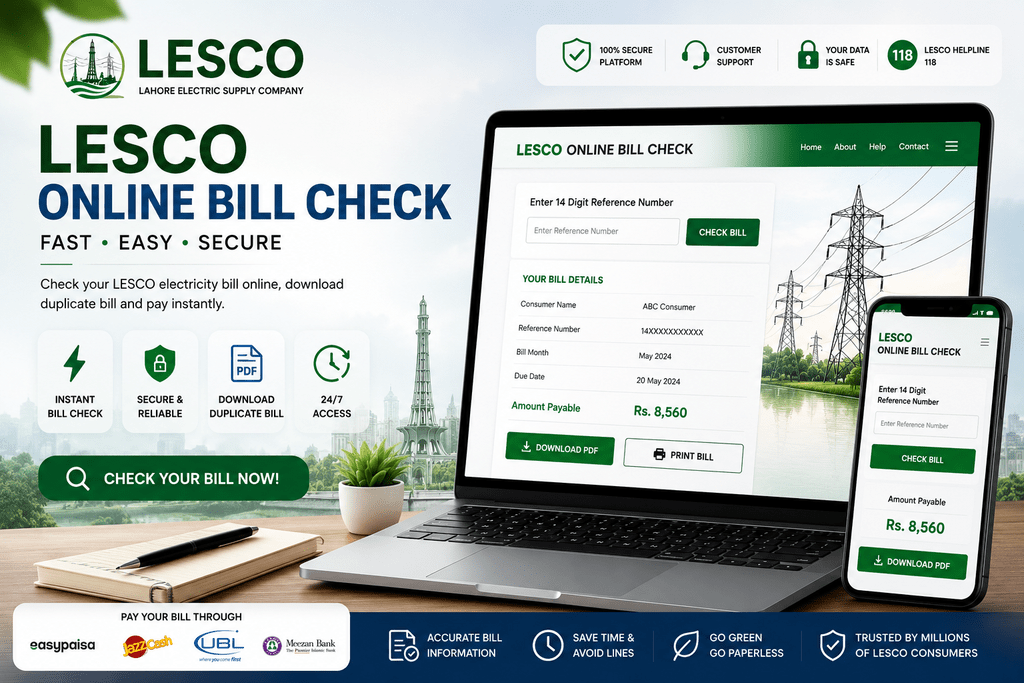
The biggest advantage is convenience. If your paper bill is lost, damaged or sitting somewhere under a pile of documents, you do not necessarily need to wait for another copy. You can retrieve the available online bill using the appropriate account identifier. Current LESCO bill-checking pages generally instruct users to enter the reference number from an earlier bill and then view or print the resulting bill. Online Bill Check LESCO
LESCO Service Area and Consumer Identification
LESCO consumers should first make sure that their electricity connection actually belongs to LESCO. Online electricity billing in Pakistan is divided among different distribution companies, commonly called DISCOs. A LESCO bill should not be confused with an IESCO, FESCO, GEPCO, MEPCO, PESCO, HESCO, SEPCO, QESCO, TESCO or other distribution-company bill. PITC’s online infrastructure supports duplicate billing for multiple electricity distribution companies, so selecting the correct company is important. Online Bill Check LESCO
For LESCO consumers, the reference number is one of the most important pieces of information. It connects the online lookup with the relevant electricity connection. A previous bill is therefore extremely useful even if you are trying to retrieve a new bill. Rather than guessing the number, copy it carefully from an older bill and compare the displayed consumer information after the new bill loads. Online Bill Check LESCO
How to Check LESCO Bill Online
The basic process for an online bill check LESCO is straightforward. First, find a previous LESCO electricity bill and locate the reference number printed on it. Current bill-checking services commonly describe this as a 14-digit reference number, although formatting and identifiers can vary between systems and bill layouts, so consumers should follow the exact format requested by the portal they are using. Online Bill Check LESCO
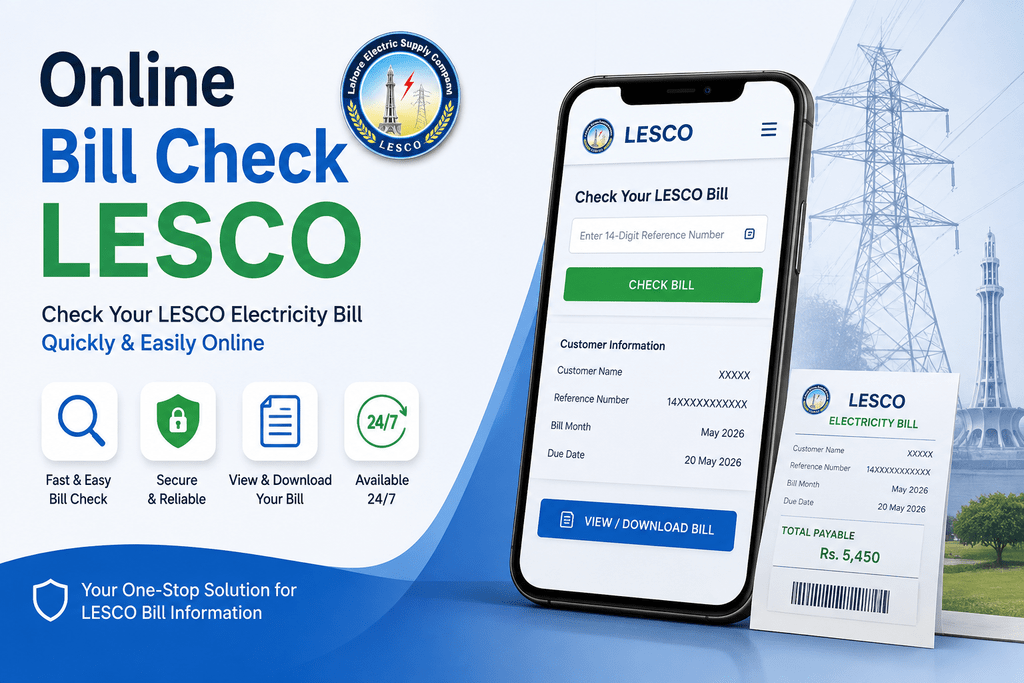
Once you have the number, open a trusted LESCO/PITC billing service and select the LESCO option if the service requires you to choose a distribution company. Enter the requested number carefully, without accidentally adding extra characters. Submit the form and wait for the billing result. If the number is valid and the relevant bill is available, the result should provide information such as the consumer details, billing month, current charges and due date. Online Bill Check LESCO
The important part comes after the bill appears. Do not immediately press a payment button or assume the result belongs to you. Compare the consumer name, reference number, address, billing month and amount payable with your previous information. This simple verification step can protect you from paying the wrong bill, particularly if you typed a number incorrectly. Online Bill Check LESCO
Check LESCO Bill Using Reference Number
The reference number is the most common starting point for checking an electricity bill online. Several current LESCO bill-checking resources describe a 14-digit reference number as the main identifier used for online bill retrieval. Online Bill Check LESCO
Take your previous bill and locate the section containing the reference information. Enter the digits exactly as requested by the online form. If the form specifically asks for digits only, do not copy spaces, hyphens or unrelated letters printed around the number. After submitting, review the resulting bill carefully. Online Bill Check LESCO
If the lookup fails, do not repeatedly enter random numbers. Check each digit against the old bill, make sure you selected LESCO, and verify that your internet connection is working. Temporary portal problems can also occur, so waiting and trying again later may be more productive than changing the number unnecessarily.
Check LESCO Bill Using Customer or Consumer ID
Some online LESCO services provide an alternative lookup using a Customer ID or Consumer ID. Current online resources describe both reference-number and customer-ID options, although the exact identifier length and availability can depend on the service being used.
If you have both identifiers available, the reference number is often the simplest choice for a basic bill lookup. A customer ID may be useful when a specific LESCO customer-service portal requests it. The important rule is to use the identifier exactly as shown on your bill and exactly as requested by the relevant portal.
Do not assume that every electricity website accepts every type of number. A meter number, CNIC number, telephone number and reference number are different pieces of information. If a page specifically requests a reference number, entering a meter number will not magically identify the correct bill. Following the field labels on the official or trusted portal is the safest approach.
Where to Find Your LESCO Reference Number
Finding the reference number is often the easiest part if you have an old electricity bill. Look toward the upper portion of your LESCO bill where consumer information is displayed. Online LESCO bill resources consistently identify the reference number as an important number printed on the bill, commonly presented as a 14-digit identifier.
The reason this number matters is simple: it identifies the electricity connection for billing purposes. Your name or address may not be enough for an automated bill lookup because many people can share similar names, and addresses can be written in different ways. A unique account identifier gives the billing system a much more precise way to locate the correct record.
If you are looking at an old bill, take a moment to save the reference number somewhere safe. You could keep it in a private note, your household records or a personal bill-management document. There is no reason to photograph and publicly upload your complete bill just to remember the reference number. Keeping only the information you genuinely need is a sensible privacy habit.
If you no longer have any old bill, avoid websites that promise to discover your complete electricity account using unnecessary personal information. Instead, use legitimate LESCO/PITC customer-support channels or visit an appropriate customer facilitation office for help with account identification.
How to Download a LESCO Duplicate Bill
A LESCO duplicate bill is especially useful when the original paper bill has disappeared. Online duplicate billing services allow consumers to retrieve an available bill and then print or save a copy. PITC itself lists online duplicate electricity bills as part of its services for distribution companies, including LESCO.
The process normally begins with the same reference-number lookup used for a normal online bill check. Once the bill appears, look for a print, download or browser-print option. Some websites provide a dedicated PDF button, while others simply open the bill in a format that can be printed through the browser. Current LESCO duplicate-bill guides describe using the browser’s print function and saving the result as a PDF when necessary.
A duplicate copy is valuable for more than payment. You might need it for household records, rental documentation, business accounting or simply to compare your current consumption with previous months. Keeping digital copies can also reduce the chance of losing important information every month.
Before downloading, make sure you are viewing the correct bill. Confirm the billing month and consumer details first. A beautifully formatted PDF is still useless if it belongs to a different account.
How to Print or Save Your LESCO Bill as PDF
Saving your LESCO bill as a PDF is one of the easiest ways to build a digital electricity-bill archive. After opening the bill, use the website’s download option if one is provided. If there is no dedicated download button, your browser’s Print function can often allow you to select Save as PDF rather than sending the document to a physical printer. Current duplicate-bill instructions specifically describe browser printing and PDF saving as practical ways to keep a copy.
A PDF has an advantage over a screenshot because it can preserve more of the document’s structure and remain easier to print later. For household management, you can name files according to the billing month, such as “LESCO Bill January 2026” or “LESCO Bill September 2026.” Avoid putting sensitive information into a public cloud folder or sharing the document unnecessarily.
If you print the bill, check that the important information remains visible. The reference number, consumer details, due date, amount payable and payment-related information should be readable. If the browser cuts off part of the page, adjust the print settings before producing the final copy.
What Information Is Shown on a LESCO Bill
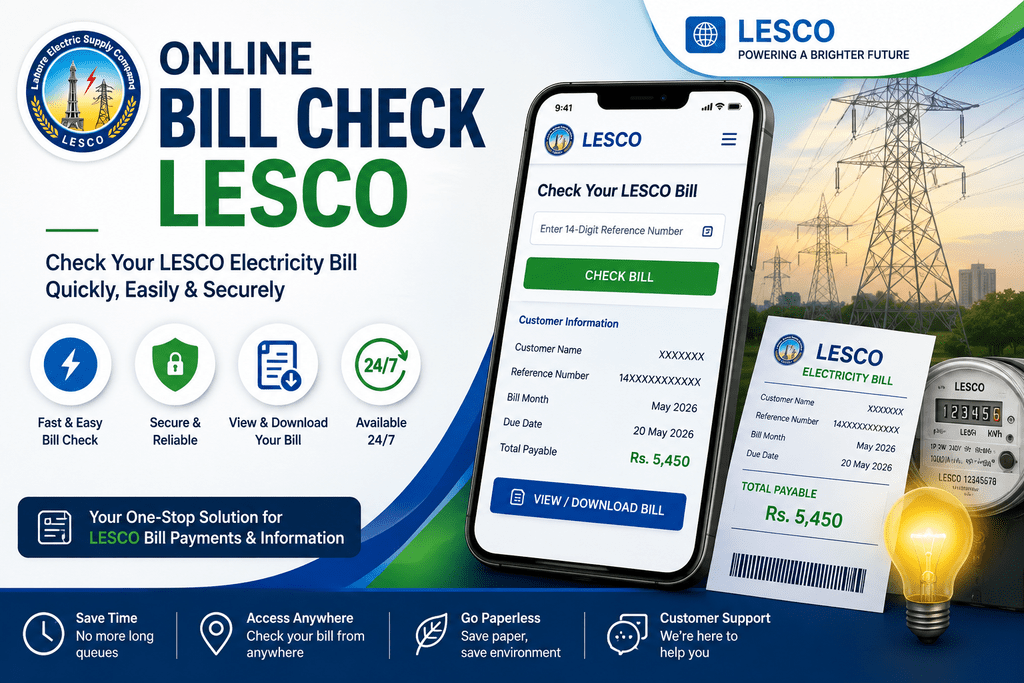
A LESCO electricity bill contains much more information than the final amount. When you perform an online bill check LESCO, take a few minutes to understand the fields instead of looking only at the large payable figure. Typical electricity bills include consumer information, billing period, meter readings, units consumed, tariff information, charges, taxes, adjustments and payment details.
The exact presentation can change depending on the consumer category and billing system, but the fundamental purpose remains the same: the bill explains how the electricity charges were calculated. Looking at the individual components can help you identify why one month is more expensive than another. PITC-generated electricity bills for Pakistani distribution companies show fields such as bill month, reading date, issue date, due date, meter readings, units, electricity cost, taxes, adjustments and payable amounts.
This is why understanding your bill is almost as important as checking it. Imagine receiving a restaurant receipt showing a total of Rs. 8,000 without listing any items. You would naturally want to know what created the total. Electricity bills work similarly: the total is the result of several underlying components.
Understanding Units, Due Date and Payable Amount
Units consumed are central to understanding your electricity bill. The bill records meter readings and calculates the electricity consumed during the relevant billing period. Depending on your tariff category and consumption level, the applicable electricity charges can differ.
The due date is equally important because it tells you when the bill is expected to be paid without the applicable late-payment consequences. Your bill may also show a different amount payable after the due date. PITC-generated bills demonstrate that electricity bills can separately display amounts payable within the due date and after the due date.
Always look at the amount rather than relying on memory. If you checked the bill last week and are paying today, confirm that the displayed payable amount and due-date status are still appropriate. Keeping the PDF or printed copy can help you compare information later.
LESCO Bill Charges, Taxes and Adjustments
The total amount on an electricity bill is not necessarily just the price of the electricity units consumed. Depending on the applicable tariff and consumer category, the bill can include electricity charges, government taxes, surcharges, adjustments and other applicable components. A PITC-generated electricity bill example shows separate fields for electricity cost, electricity duty, GST, fuel price adjustment, FC surcharge, quarterly tariff adjustment and other government or billing components.
This is one reason two households with apparently similar consumption can sometimes receive different bills. Their tariff categories, previous balances, adjustments or applicable taxes may differ. A consumer should therefore avoid calculating the expected bill simply by multiplying units by one remembered rate.
Fuel Price Adjustment (FPA) is one example of a component that can affect the total. Other adjustments can also appear depending on the applicable billing period. Because tariff structures and government-approved charges can change, a calculator or old bill should not be treated as a permanent rate card.
When reviewing your online bill, look at the complete calculation. If a charge is unclear or appears inconsistent with your account, use an official customer-support or complaint channel rather than relying on an unofficial social-media explanation.
Why Your LESCO Bill Amount Can Change
Your electricity bill can rise even when the change in household behavior does not seem dramatic. One obvious reason is increased electricity consumption, perhaps because of air conditioners, heaters, water pumps, refrigerators or other appliances. But consumption is not the only factor. Tariff slabs, taxes, adjustments, arrears and other applicable charges can influence the final amount.
Seasonal behavior can create especially large differences. During extremely hot weather, cooling appliances may operate for much longer periods. During winter, electric heaters can have a similar effect. A household that normally consumes a moderate number of units may move into a different consumption range when usage increases.
Billing adjustments can also affect the amount. PITC-generated bills show examples of components such as fuel price adjustment and quarterly tariff adjustment, demonstrating that the final payable figure can contain items beyond basic energy consumption.
This is why an online bill check should be treated as an opportunity to review the complete document. If the amount is unexpectedly high, compare the current meter reading and units with previous months. If the consumption itself appears unusually high, investigate appliance usage and meter readings. If the problem seems to be a billing calculation or account issue, contact the relevant LESCO channel for clarification.
How to Pay Your LESCO Electricity Bill
Once you have checked your LESCO bill, the next step is payment. The payment method available to you can depend on your bank, wallet or service provider, but electricity consumers commonly use banking channels and digital payment services. Before paying through any online platform, make sure the bill details displayed by the payment service match the bill you just checked.
Digital payment is convenient because it can reduce the need to visit a physical counter. However, convenience should never replace verification. Enter your reference number carefully, confirm the consumer name or bill information where available, review the payable amount and only then authorize the transaction.
After payment, save the transaction receipt or confirmation number. Do not immediately delete the confirmation simply because the payment appears successful. Keeping proof until the payment is reflected in the relevant record gives you a useful reference if a problem occurs.
PITC operates electricity-related online systems and customer-support infrastructure, including a complaint management system that allows searches using a 14-digit customer reference number. If a payment or billing problem needs to be investigated, having your reference number and payment evidence can make the process easier.
What to Do If Your LESCO Bill Is Not Showing Online
Sometimes a consumer enters the correct information and still cannot see the expected bill. This does not automatically mean that the electricity connection has disappeared or that the account is permanently blocked. Online portals can experience temporary technical problems, bills may not yet be available for a particular billing cycle, or the number may have been entered incorrectly.
Start by checking the reference number digit by digit. Make sure you have selected LESCO rather than another DISCO. If the website uses a specific format, follow its instructions exactly. Then try again after refreshing the page or using another browser.
You should also remember that third-party bill-checking websites are not the same as LESCO or PITC. Some current websites explicitly describe themselves as independent services rather than official LESCO or PITC portals. If an unofficial site fails, that does not prove that the official billing system is unavailable.
If the problem continues, use official customer-support channels. PITC’s published consumer-registration information lists 118 as a 24/7 assistance number. For account corrections, disputes, new connections or other official matters, use the appropriate LESCO/PITC channel instead of submitting sensitive documents to an unknown website.
Common Mistakes When Checking a LESCO Bill
The most common mistake is entering the wrong number. A single incorrect digit can result in no bill being found or, depending on the system, an unexpected record. This is why consumers should copy the reference number directly from a previous bill instead of typing it from memory.
Another mistake is confusing the reference number with the meter number, CNIC, phone number or customer ID. These identifiers serve different purposes. Current LESCO bill-checking resources specifically emphasize the reference number for bill retrieval.
A third mistake is paying without checking the consumer details. Imagine receiving a bill for Rs. 20,000 and immediately paying it because you are worried about the due date. If the displayed consumer name or address does not match your connection, stopping for thirty seconds to verify could prevent a much larger problem.
Finally, avoid entering sensitive information on random websites. A basic bill lookup should not require your bank password, ATM PIN or online-banking login. Never give those details to a bill-checking website.
How to Check Your LESCO Bill Before the Due Date
Checking your bill several days before the due date is a smart household habit. It gives you time to review the amount, investigate unusual consumption and arrange payment without the pressure of the final day. If you wait until the last few hours, a technical problem or payment delay can become much more stressful.
A simple monthly routine can make this effortless. When your new bill becomes available, check the billing month first. Then compare the current units with the previous month’s usage. Review the payable amount, due date and any additional charges or adjustments. If everything looks normal, save the PDF and complete payment through your preferred legitimate channel.
If something looks unusual, do not ignore it simply because you are busy. An unexpected bill can be caused by increased consumption, meter-reading differences, tariff changes, adjustments or an account-specific issue. Early checking gives you more time to investigate.
For families with multiple properties, keeping a separate digital folder for each connection can be particularly useful. Labeling bills by month and reference number makes future comparisons much easier and turns electricity billing from a monthly scramble into a simple record-keeping routine.
LESCO Bill Checking on Mobile Phones
You do not need a desktop computer to perform an online bill check LESCO. Modern bill-checking pages are designed to work through web browsers, meaning consumers can usually access them from a smartphone. This is useful because many people receive electricity information while they are away from home and may not have access to a printer.
On a mobile phone, the basic process remains the same: open a trusted bill-checking page, select LESCO if required, enter the reference number and review the resulting bill. If you need a permanent copy, use the site’s download feature or your browser’s print/share options where supported.
Mobile checking is especially convenient for tenants and business owners who want to verify a bill before paying. However, small screens can make it easier to overlook information. Before confirming payment, zoom in and check the consumer details, billing month, due date and payable amount.
If you save bills on your phone, consider protecting the device with a secure screen lock. Electricity bills can contain personal account information, so there is little benefit in leaving them openly accessible to anyone who uses your phone.
Online LESCO Bill vs Printed Electricity Bill
An online LESCO bill and a printed bill serve essentially the same practical purpose: they provide access to billing information for a particular electricity connection and billing period. The online version is simply more convenient when the paper copy is unavailable. PITC’s duplicate-bill service specifically demonstrates the role of online electricity bill access for distribution-company consumers.
The biggest difference is accessibility. A paper bill can be lost, damaged by water or misplaced. A digital copy can be saved and backed up. On the other hand, some people still prefer paper because it is easier to file physically or take to a payment counter.
The best approach is not necessarily to choose one and abandon the other. Keep a digital PDF as your backup and use the printed copy when a physical document is more convenient. A well-organized digital archive can be particularly useful for comparing monthly consumption.
Regardless of format, always verify the same information. Whether the bill is on your phone, computer or kitchen table, the consumer details, billing month, units, due date and amount payable deserve the same attention.
How to Handle Incorrect or Excessive LESCO Bills
An unexpectedly high bill deserves investigation, but it should not automatically be labeled as a billing error. Start by comparing the current units with previous months. If consumption increased significantly, consider whether air conditioning, heating, pumps, appliances or other electrical equipment were used more heavily.
Next, compare the meter reading shown on the bill with the actual meter reading if you can safely and legitimately inspect it. A difference between expected and billed consumption may provide useful information for a formal inquiry. Keep your previous bills because they create a simple consumption history.
If the issue appears to involve billing, meter reading, arrears or another account-specific matter, use an official complaint or customer-service channel. PITC’s complaint-management system demonstrates that electricity complaints can be associated with a customer’s reference number and tracked through the system.
Do not send your CNIC image, bank details or other sensitive documents to an unknown person who claims they can “fix” your bill through social media. A legitimate dispute should be handled through the appropriate official process. Keep copies of your complaint number, bill and payment receipts so you have a record of the matter.
Protecting Your Information When Checking Bills Online
Online convenience should always be combined with basic security. A LESCO bill may contain your name, address, reference number, meter information and other account-related details. That does not mean you should publish the complete bill on Facebook, WhatsApp groups or public websites.
When checking a bill, use a reputable service and avoid pages that request information unrelated to the bill lookup. A website asking for your banking password, ATM PIN or one-time banking code is a major warning sign. Your electricity bill does not require access to your bank account.
PITC’s published privacy information explains that its systems handle consumer information and describes security and privacy practices for its websites. This is another reason to distinguish official infrastructure from random websites using similar-looking names.
For personal record keeping, save your bills in a protected folder. If you use cloud storage, enable account security features such as strong passwords and two-factor authentication where available. The safest bill-checking habit is simple: provide only the information required for the service you are actually using.
Conclusion
An online bill check LESCO is one of the easiest ways to stay on top of your monthly electricity expenses. With the appropriate reference number or other supported account identifier, consumers can retrieve available billing information without depending entirely on a paper copy. PITC has long provided online duplicate-bill facilities for electricity distribution companies, including LESCO, which makes digital access an important part of modern electricity billing in Pakistan.
The process itself is simple, but the best results come from developing a careful routine. Find your reference number, enter it accurately, confirm that the displayed consumer details belong to you, check the billing month and due date, review the units and charges, and save a copy when useful. If the amount seems unusually high, investigate the consumption and bill components rather than assuming the total is automatically wrong.
Digital billing is ultimately about convenience and control. You can check your bill from a phone, save a PDF, compare monthly usage and keep payment records without depending on a paper document. At the same time, always use sensible security practices and rely on official LESCO/PITC channels when you need to resolve disputes, correct account information or make a formal complaint.
Frequently Asked Questions About Online Bill Check LESCO
1. How can I check my LESCO bill online?
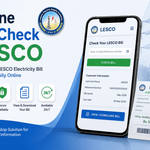
You can generally check your LESCO bill online by using the reference number printed on a previous electricity bill. Current LESCO bill-checking resources commonly describe the reference number as a 14-digit identifier used to retrieve the bill. Enter the requested number into the appropriate LESCO bill-checking form, submit it and carefully verify the resulting consumer information, billing month, due date and amount.
2. How can I get a LESCO duplicate bill?
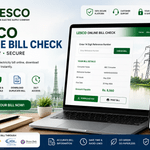
To obtain a duplicate LESCO bill, use the reference number or another identifier supported by the relevant billing portal. After the bill opens, you can normally print it or save it as a PDF using the website’s download function or your browser’s print facility. PITC lists online duplicate electricity bills among its services for distribution companies including LESCO.
3. Where can I find my LESCO reference number?
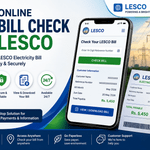
Your reference number is printed on your previous LESCO electricity bill, generally in the consumer-information section near the top. Online LESCO resources commonly identify it as a 14-digit number. If you have an old bill, use that document rather than trying to guess the number.
4. Why is my LESCO online bill not showing?
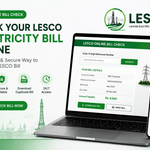
First, verify every digit of your reference number and make sure you selected LESCO rather than another electricity distribution company. If the information is correct, the issue may be temporary availability or a technical problem with the online service. Try again later or use an appropriate official customer-support channel if the problem continues. PITC’s published consumer information lists 118 as a 24/7 assistance number.
5. Can I save my LESCO bill as a PDF?
Yes. If the bill page provides a download option, you can use it to save the document. If there is no dedicated PDF button, your browser’s print function may allow you to choose Save as PDF. Keeping a digital copy is useful for payment records, monthly comparisons and future reference.
Pingback: LESCO Bill Online