How to Check Your Electricity Bill Online: Managing household expenses in Pakistan has become significantly easier with the digitization of utility services, and checking your electricity bill online is now simpler than ever before. Whether you are a residential consumer or a commercial user, knowing exactly how to access and verify your electricity bill saves time, prevents late payment penalties, and helps you stay on top of your monthly energy consumption.
How to Check Your Electricity Bill Online
Pakistan’s multiple electricity distribution companies — commonly known as DISCOs — each provide their own online portals and mobile-friendly tools to help consumers retrieve their electricity bill without visiting a physical office. This comprehensive guide walks you through everything you need to know: from understanding which distribution company serves your area, to navigating online portals, reading your bill accurately, and resolving common discrepancies. By the end of this article, you will have a clear, step-by-step understanding of how to check, download, and manage your electricity bill online from the comfort of your home.
Understanding Pakistan’s Electricity Distribution Companies (DISCOs)
Pakistan’s electricity supply is managed through a network of regional distribution companies, commonly known as DISCOs. These companies operate under the oversight of the National Electric Power Regulatory Authority (NEPRA) and are responsible for delivering power to consumers across the country — from major urban centers to remote rural communities. Knowing which DISCO serves your area is the first step toward managing your account and checking your usage online.
There are currently ten main DISCOs operating across Pakistan, each assigned a specific geographic territory:
- LESCO (Lahore Electric Supply Company) – covers Lahore and surrounding districts
- IESCO (Islamabad Electric Supply Company) – serves Islamabad, Rawalpindi, Attock, Chakwal, and Jhelum
- FESCO (Faisalabad Electric Supply Company) – handles Faisalabad, Sargodha, Jhang, and nearby regions
- MEPCO (Multan Electric Power Company) – the largest DISCO by area, covering south Punjab
- GEPCO (Gujranwala Electric Power Company) – serves Gujranwala, Sialkot, Narowal, and adjacent districts
- PESCO (Peshawar Electric Supply Company) – covers most of Khyber Pakhtunkhwa
- HESCO (Hyderabad Electric Supply Company) – serves Hyderabad and parts of interior Sindh
- SEPCO (Sukkur Electric Power Company) – operates in northern Sindh
- QESCO (Quetta Electric Supply Company) – covers Balochistan
- TESCO (Tribal Areas Electric Supply Company) – serves the merged tribal districts of KP
Each company operates its own online portal, mobile-friendly website, or app, which means the process for checking your electricity bill and account details will vary depending on where you live. This is an important distinction — there is no single unified platform for all consumers in Pakistan just yet, though the government has made efforts to standardize some services through initiatives like the Pakistan Citizen Portal.
Beyond distribution, DISCOs are also the first point of contact for billing disputes, new connections, load extensions, and complaint registration. Their performance varies noticeably from one region to another, reflecting differences in infrastructure investment, staffing, and local grid conditions. Consumers in areas served by LESCO or IESCO, for example, often find digital services more developed and easier to navigate compared to those in regions covered by SEPCO or TESCO.
Understanding which company manages your connection matters more than it might seem. Your reference number, bill format, complaint process, and even the app you’ll need to download all depend on your DISCO. Before moving forward with anything account-related, confirm your distribution company — this information is printed clearly at the top of any physical bill you’ve previously received.
Step-by-Step Guide to Checking Your Electricity Bill Online by DISCO
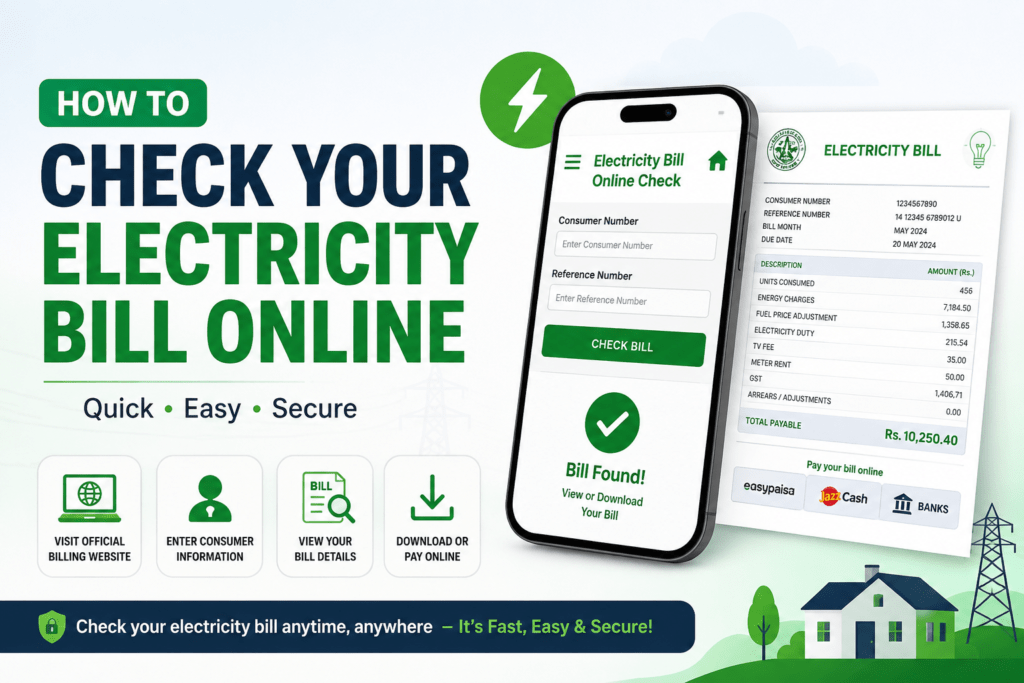
Checking your electricity bill online in Pakistan varies slightly depending on which distribution company (DISCO) serves your area, but the general process follows a familiar pattern across all of them. Before you begin, make sure you have your 14-digit reference number handy — this is printed on your previous paper bill and serves as your unique account identifier across all DISCO portals.
LESCO (Lahore Electric Supply Company)
Visit the official LESCO website at lesco.gov.pk and click on the “Bill Inquiry” or “Check Bill” option on the homepage. Enter your 14-digit reference number in the provided field and hit submit. Your current bill details will appear on screen, including the amount due, billing period, and due date. You can also download a PDF copy for your records.
IESCO (Islamabad Electric Supply Company)
Head to iesco.com.pk and locate the bill inquiry tab. The process mirrors LESCO — enter your reference number, verify with a captcha if prompted, and your billing summary loads within seconds. IESCO’s portal also lets you view your last few bills, which is useful for tracking consumption trends over time.
GEPCO, FESCO, MEPCO, and PESCO
Each of these companies maintains its own web portal, but the structure is consistent. Go to the respective official domain (for example, gepco.com.pk or fesco.com.pk), find the bill check or inquiry section, and enter your reference number. Most portals now display bills in real time and are mobile-friendly, so you don’t necessarily need a desktop computer.
Using the 8118 SMS Service
If you’re in a low-connectivity area or simply prefer not to use a browser, most DISCOs support an SMS-based inquiry. Send your 14-digit reference number to 8118 from any mobile network. Within a minute or two, you’ll receive a text message with your outstanding amount, due date, and billing month. There’s no app to download and no account registration required.
Third-Party Bill Check Websites
Several aggregator platforms — such as checkbill.pk or similar services — pull data from multiple DISCO systems and let you check bills across different companies from a single interface. These can be convenient, but always verify that the site is reputable and avoid entering sensitive account details beyond your reference number.
A few things worth keeping in mind: always access official DISCO portals directly by typing the URL yourself rather than clicking links in emails or messages, since phishing pages targeting utility customers have become more common. Also, bill data on official portals is typically updated within 24 to 48 hours after meter reading, so if you’ve just had your meter read and nothing appears yet, check back the following day.
How to Read and Understand Your Electricity Bill
Once you’ve pulled up your bill online, the real challenge begins — making sense of all the numbers, codes, and line items packed onto a single page. Pakistani electricity bills can look intimidating at first, but each section serves a specific purpose, and understanding it puts you firmly in control of your household or business expenses.
Reference Number and Consumer Information
At the top of every bill, you’ll find your Consumer Reference Number (also called the Reference Number or CNIC-linked ID, depending on your DISCO). This unique identifier connects your account to your meter, address, and billing history. Always verify that the name, address, and tariff category listed here match your actual situation — discrepancies here are sometimes the root cause of overbilling.
Billing Period and Reading Details
This section tells you the exact dates your consumption was measured, along with the Previous Reading, Current Reading, and Units Consumed. Units are measured in kilowatt-hours (kWh). Simple subtraction tells you how much electricity you actually used — if the math doesn’t add up, that’s worth flagging immediately. Some bills also note whether the reading was actual (physically taken by a meter reader) or estimated, which matters when disputing charges.
Tariff Slabs and Charges Breakdown
Pakistan uses a tiered or slab-based pricing system for residential consumers, managed under NEPRA-approved tariffs. The more units you consume in a billing cycle, the higher the per-unit rate you pay — and this applies retroactively to all units once you cross a slab threshold. This is why a small jump in consumption can cause a disproportionately large increase in your total amount due. Your bill will typically list the applicable slab rate and the calculated base cost before any additional charges are applied.
Taxes, Surcharges, and Fixed Charges
Below the consumption charges, you’ll find a series of additional line items. These commonly include the Fuel Cost Adjustment (FCA), which fluctuates monthly based on the energy mix used for generation, along with the Electricity Duty, Sales Tax, TV License Fee, and various government surcharges. Fixed charges apply regardless of how much electricity you use and depend on your sanctioned load. Together, these additions can sometimes equal or even exceed the base consumption cost, so reviewing each line separately gives you a clearer picture.
Amount Due and Due Date
Finally, the bill states the Total Current Charges, any arrears carried forward from a previous month, and the final Payable Amount along with a due date. Bills paid after this date attract a surcharge, typically a percentage of the outstanding amount. Some DISCOs also show a “Pay by” date before which you receive a small discount, so catching this detail early can save you a little money each month.
Online Payment Methods for Your Electricity Bill in Pakistan
Once you’ve reviewed your bill online, paying it through digital channels is faster and far more convenient than standing in long queues at a bank or utility office. Pakistan’s payment infrastructure has expanded considerably over the past few years, giving consumers multiple reliable options to settle dues from their phone or computer.
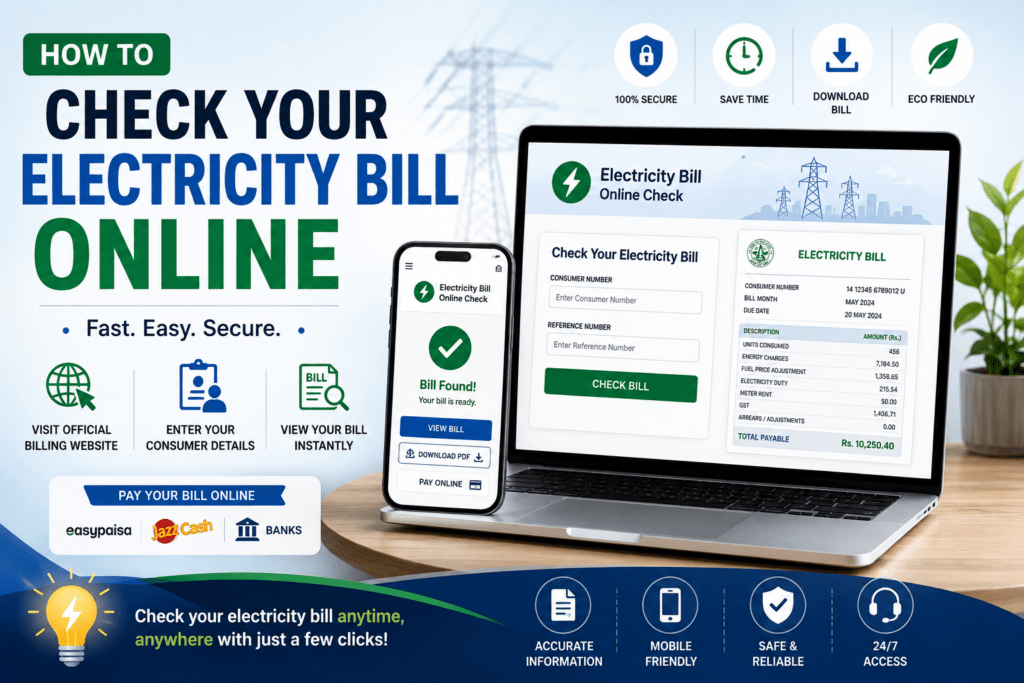
Mobile Banking Apps are among the most widely used methods. Apps from HBL, Meezan Bank, UBL, and others allow you to add a utility bill as a recurring payee using your consumer reference number. Once registered, payments typically process within minutes and you receive a confirmation receipt you can save for your records. Most major banks support all DISCOs, including LESCO, HESCO, MEPCO, PESCO, and IESCO.
JazzCash and Easypaisa have become go-to options for people who may not hold a traditional bank account. Both apps let you pay utility bills under a dedicated “Bill Payments” section. You enter your reference number, confirm the amount, and the transaction is settled instantly. Given how widely these wallets are used across urban and rural Pakistan alike, they’re often the most accessible choice for the average consumer.
1-Link and Internet Banking portals offer another route. If your bank provides internet banking, navigate to the bill payment section and search for your DISCO by name. The system pulls your outstanding amount automatically once you enter your reference number, reducing the chance of a manual entry error.
Raast, the State Bank of Pakistan’s instant payment system, is gradually being integrated into more banking and fintech apps. As adoption grows, it’s becoming a fast, low-friction way to transfer payments directly, including for utility bills.
For those who prefer a physical touchpoint with digital convenience, payment kiosks operated by 1-Bill and similar services are available in petrol stations, retail outlets, and utility stores across the country. You provide your reference number, the kiosk retrieves the bill, and you pay with cash — receiving a printed receipt on the spot.
A few practical points worth keeping in mind regardless of which method you choose. Always double-check that the consumer reference number you enter matches your bill exactly — even a single digit error can send payment to the wrong account. Save your digital payment receipt until the next billing cycle confirms the amount was credited. Some platforms charge a nominal service fee, typically between Rs. 5 and Rs. 20, so factor that in if you’re paying close to the due date.
Late payment surcharges apply after the due date printed on your electricity bill, so setting a monthly reminder a few days before that deadline can save you from avoidable extra charges.
How to Handle Overbilling, Errors, and Electricity Bill Complaints Online
Discovering an unexpected spike in your monthly charges can be frustrating, but Pakistan’s distribution companies have made it easier than ever to dispute errors without visiting a physical office. Whether the issue stems from a faulty meter reading, a billing cycle overlap, or simply a data entry mistake by the utility provider, you now have multiple channels to raise a formal complaint from home.
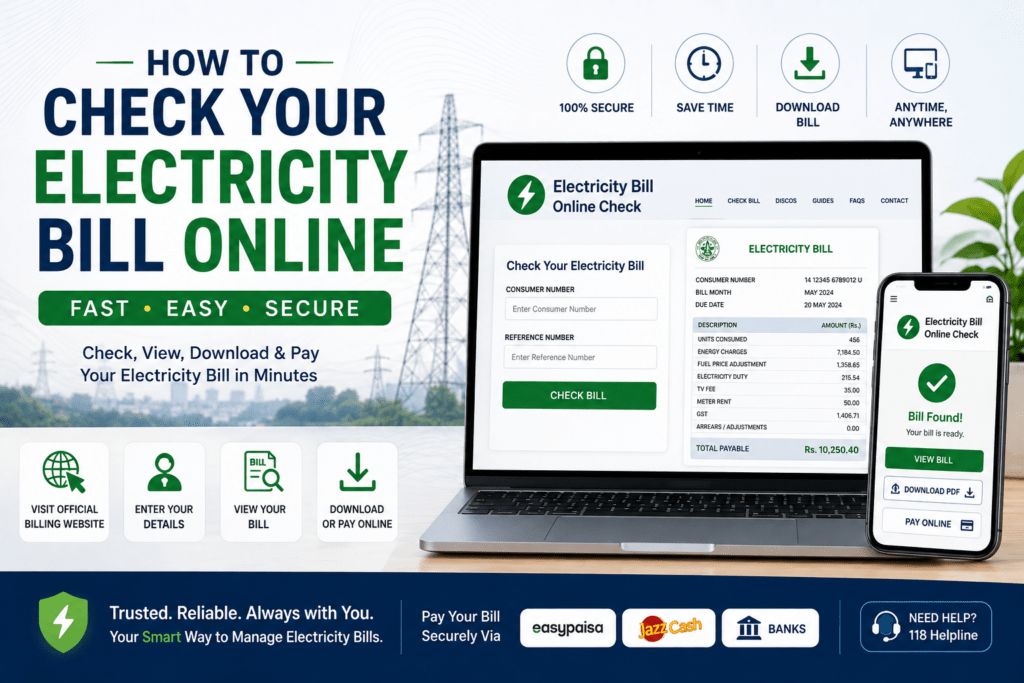
The first step is to compare your current bill with at least two or three previous months. If the units consumed look unusually high without a corresponding change in your household usage, that discrepancy is your primary evidence. Screenshot or save a digital copy of both bills before reaching out, since you may need to reference specific reference numbers, meter readings, or billing dates during the complaint process.
Most DISCOs maintain dedicated online complaint portals. LESCO, for instance, allows consumers to register grievances through its official website using their reference number. HESCO, MEPCO, PESCO, and others follow a similar structure. You typically fill out a short form specifying the complaint type — overbilling, wrong meter reading, duplicate charges, or connection-related issues — and submit it along with any supporting details. Once submitted, you receive a tracking or ticket number, which you should keep handy to follow up on the status.
Pakistan’s National Electric Power Regulatory Authority (NEPRA) also plays a vital role here. If your DISCO fails to resolve the issue within a reasonable timeframe or dismisses your complaint without proper justification, you can escalate the matter directly to NEPRA through their Consumer Complaint Cell. Complaints can be filed online at nepra.org.pk, and the authority is legally required to investigate and respond. This is a powerful option that many consumers overlook.
For quicker resolution, several DISCOs have integrated WhatsApp helplines and SMS-based complaint systems. Sending your consumer ID and a brief description of the problem to the official helpline number can sometimes fast-track a response, particularly for straightforward meter-reading disputes. How to Check Your Electricity Bill Online
- Always note the date and time you submitted any complaint — this creates an audit trail.
- If a meter replacement is recommended, request written confirmation before agreeing.
- Keep a log of all communication, including the names of any representatives you speak with.
It is worth knowing your rights as a consumer under NEPRA’s licensing conditions. Distribution companies are obligated to investigate billing complaints within a set number of working days, and in cases of confirmed overbilling, they must issue a credit adjustment in the following billing cycle. Staying informed about these timelines helps you push back confidently if the process stalls. How to Check Your Electricity Bill Online
Tips to Reduce Your Electricity Bill and Monitor Consumption Efficiently
Managing household energy costs doesn’t have to be complicated, especially now that digital platforms make it easier than ever to track your usage in real time. A few practical habits, combined with smart tools, can lead to meaningful reductions in what you pay each month. How to Check Your Electricity Bill Online
Start with your high-consumption appliances. Air conditioners, geysers, refrigerators, and electric irons account for the bulk of residential energy use in Pakistan. Running an AC at 26°C instead of 20°C can cut its energy draw significantly, and setting a timer to avoid overnight operation makes a noticeable difference over a billing cycle. Similarly, replacing older appliances with energy-efficient models — particularly those with ENERCON certification — pays off within months in areas prone to high summer consumption.
Lighting is another area where quick wins are available. If your home still uses incandescent or halogen bulbs, switching to LED alternatives reduces lighting costs by up to 80%. It sounds straightforward, but many households in smaller cities and towns haven’t made this transition yet. How to Check Your Electricity Bill Online
Peak hour management matters more than most consumers realize. NEPRA’s time-of-use tariff structure, which several DISCOs now apply, means electricity consumed during high-demand periods (typically evenings) is billed at a higher rate. Shifting energy-heavy tasks — running the washing machine, charging devices, using the iron — to off-peak hours like late morning or early afternoon can lower your effective rate per unit. How to Check Your Electricity Bill Online
On the monitoring side, most DISCO websites and apps now display a monthly consumption history, which allows you to compare your usage across the past several billing cycles. If you notice a sudden spike, investigate before your bill arrives rather than after. Common culprits include a malfunctioning refrigerator compressor running continuously, a leaking water heater element, or a newly installed appliance drawing more current than expected.
Installing a sub-meter for a specific section of your home — a rented portion, a shop attached to the house, or a high-usage room — helps isolate where consumption is heaviest. While this involves an upfront cost, the data it provides often reveals surprising patterns. How to Check Your Electricity Bill Online
For those in net-metered households with solar panels, the DISCO portal allows you to view both import and export readings separately, helping you gauge actual savings against grid consumption. Keeping these figures in check helps you maximize your solar investment rather than relying on rough estimates.
The electricity bill is ultimately a reflection of accumulated daily choices. Tracking it digitally — instead of waiting for the paper notice — puts those choices into perspective and gives you a realistic baseline for improvement. Small, consistent adjustments to how and when you use power add up to results that are visible every billing cycle. How to Check Your Electricity Bill Online
Stay in Control of Your Electricity Bill with Digital Tools
Managing your energy costs doesn’t have to be a frustrating or time-consuming process. With Pakistan’s growing network of online portals and mobile applications, every household and business now has the means to stay fully informed about their consumption, dues, and payment history — all without stepping foot in a DISCO office. How to Check Your Electricity Bill Online
Throughout this guide, you’ve seen how to locate your distribution company, navigate their official platforms, interpret your monthly statement, resolve billing disputes, and make secure payments from anywhere. These tools aren’t just conveniences; they represent a meaningful shift toward transparency and accountability in how Pakistanis interact with utility services. How to Check Your Electricity Bill Online
The most important habit you can build is consistency. Check your electricity bill each month as soon as it’s issued, verify the meter reading against your actual consumption, and act quickly if anything looks unusual. Early detection of errors or unauthorized charges can save you significant money and spare you lengthy complaint processes down the line.
As NEPRA and the DISCOs continue expanding their digital infrastructure, the experience will only become smoother and more accessible — including for those in smaller cities and rural areas. How to Check Your Electricity Bill Online
Take a moment this month to register on your DISCO’s official portal, save the helpline number, and set up an online payment method if you haven’t already. Staying proactive is the simplest and most effective way to keep your household energy costs manageable and your accounts dispute-free.
Frequently asked questions
How can I check my electricity bill online in Pakistan?
You can check your electricity bill online by visiting your respective DISCO’s official website (such as lesco.gov.pk or mepco.com.pk) and entering your 14-digit reference number to retrieve your current bill.
What information do I need to view my electricity bill online?
You typically need your 14-digit consumer reference number, which is printed on any previous electricity bill or on your meter connection documents.
Can I pay my electricity bill online in Pakistan?
Yes, you can pay your electricity bill online through mobile banking apps like JazzCash, Easypaisa, or your bank’s internet banking portal using your reference number.