Official DISCO Verification Manual
MEPCO Bill Check Online by CNIC & Reference Number: 2026 Updated Consumer Guide
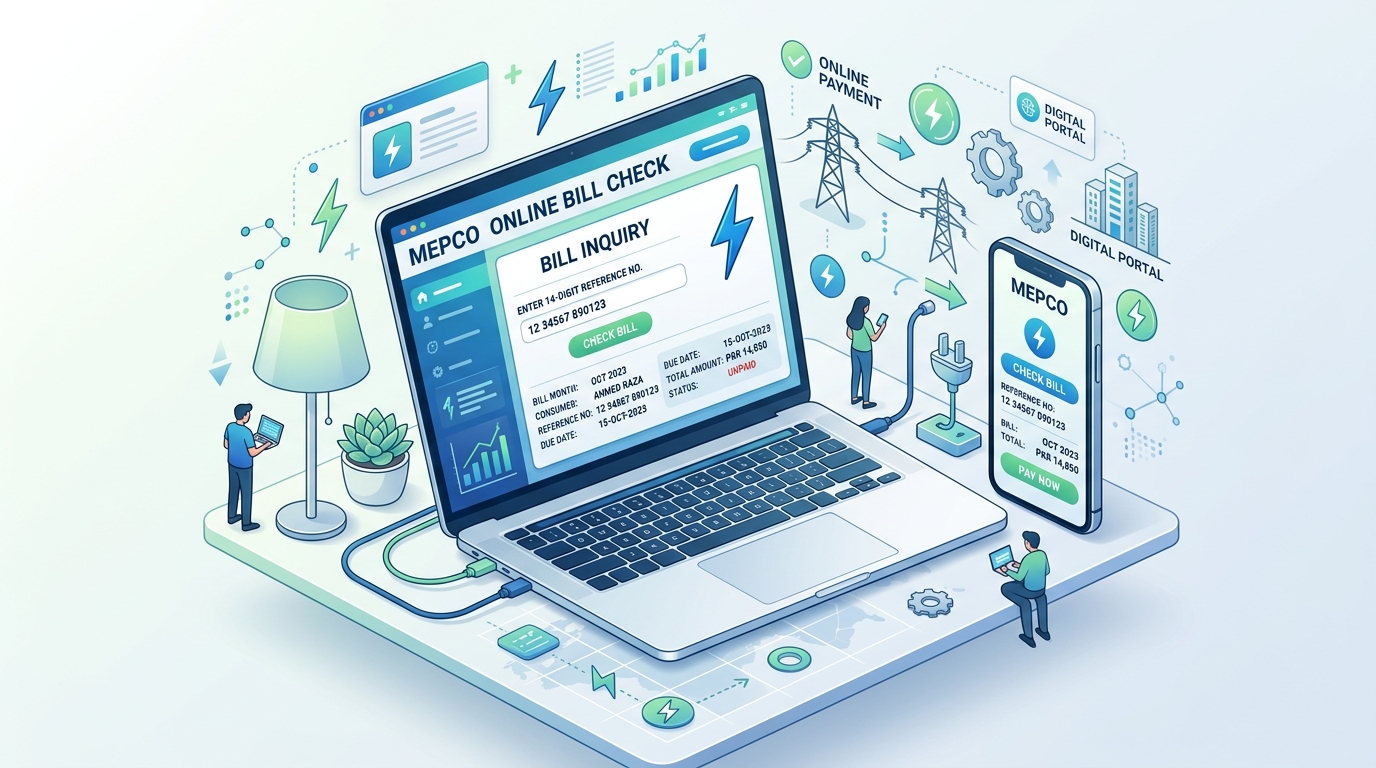
1. The 2026 MEPCO Digital Landscape: Multan Electric Power Company Overview
Multan Electric Power Company (MEPCO) serves as the largest power distribution company across Pakistan in terms of operational jurisdiction and rural consumer coverage. Spanning over 105,000 square kilometers across thirteen administrative districts of Southern Punjab—including Multan, Bahawalpur, Dera Ghazi Khan, Rahim Yar Khan, Sahiwal, Pakpattan, Vehari, Muzaffargarh, Lodhran, Khanewal, Layyah, Rajanpur, and Bahawalnagar—MEPCO issues more than 7.5 million domestic, commercial, industrial, and agricultural tube-well electricity bills every single month.
With paper bills frequently arriving delayed, water-damaged, or lost during regional monsoon spells, relying on digital bill checking is essential for maintaining household budget predictability and avoiding steep Late Payment Surcharges (LPS). Under statutory guidelines set forth by the National Electric Power Regulatory Authority (NEPRA) and enforced under the Consumer Service Manual (CSM), every consumer possesses the legal right to retrieve, audit, and print their official computerized duplicate bill online 24 hours a day, 7 days a week.
2. Can You Check Your MEPCO Bill Online by CNIC? The Regulatory Reality
One of the most frequently asked questions across search engines in Pakistan is: "Can I check my MEPCO duplicate bill using only my 13-digit National Identity Card (CNIC) number?"
To understand the answer, one must examine the database architecture governed by the Power Information Technology Company (PITC), the centralized IT custodian for all state-owned DISCOs. Unlike banking databases that index accounts primarily by national identity numbers, the national electricity distribution grid indexes connections geographically by Sub-Division, Feeder, Distribution Transformer, and Batch Number. Consequently, public duplicate bill retrieval portals require either:
- 14-Digit Reference Number: The definitive alphanumeric billing identifier printed on every printed invoice.
- 10-Digit Consumer ID: A computerized serial number introduced for unified 1Link automated teller and mobile banking integrations.
Why You Still Must Link Your CNIC to Your MEPCO Connection
Although public portals do not permit random CNIC lookups (to safeguard consumer privacy and prevent unauthorized third parties from viewing private utility consumption histories), linking your Computerized National Identity Card (CNIC) to your MEPCO connection is critically important for fiscal compliance:
- FBR Income Tax Ordinance Section 235 Exemption: Under federal revenue statutes, electricity consumers whose monthly utility bills exceed Rs. 25,000 are subject to an advance withholding tax of 7.5% if they are classified as non-filers. If your CNIC is registered on the Active Taxpayer List (ATL) and linked to your MEPCO account, you can claim 100% tax credit or refund on your annual tax return.
- SMS Billing Alerts: Registering your CNIC alongside your mobile phone number activates automated meter reading dispatch alerts.
- Property Ownership & Tariff Regularization: In the event of meter burning, phase changes, or solar net-metering installations, having your CNIC verified on the ENC (Electricity New Connection) portal accelerates departmental approvals.
3. Anatomy of a MEPCO Bill: Where to Locate Your 14-Digit Reference Number
To check and download your duplicate bill within seconds, you must locate your 14-digit numeric reference code. Follow this anatomical map of a standard MEPCO bill:
| Data Field | Format / Example | Location on Bill | Usage Functionality |
|---|---|---|---|
| Reference Number | 03 15126 0412345 U |
Top Left Corner, directly below Sub-Division Name | Primary key for online bill checking, PDF printing, and SMS alert setup |
| Consumer ID | 1234567890 |
Directly beneath or adjacent to Reference No | Used for JazzCash, Easypaisa, 1Link, ATM & Internet Banking payments |
| Tariff Code | A-1a(01) Domestic |
Upper Section, middle column | Determines your slab category (Protected vs Unprotected) |
| Connection Batch | Batch 14 / Sub-Div 15126 |
Top Header Row | Indicates the meter reading schedule and monthly due date |
08 15214 0987654 U, simply enter 08152140987654.
4. Step-by-Step Tutorial: How to Check & Download MEPCO Duplicate Bill in HD PDF
Follow these five streamlined steps to retrieve your current month's duplicate bill on any desktop or mobile device:
- Navigate directly to the BillsOnlinePk MEPCO Portal.
- Enter your 14 numeric reference digits into the search box.
- Click the green "Check Bill" button. The central PITC gateway fetches your latest record within 1 to 2 seconds.
- Verify your consumer name, address, meter reading snapshot, and payable amount within due date.
- To download a high-definition PDF suitable for tax filing, banking, or physical payment at bank counters, press
Ctrl + Pon your computer or tap Share > Print > Save as PDF on your mobile browser.
5. Activating Free MEPCO SMS Alerts via Shortcode 8334
To eliminate reliance on physical bill delivery permanently, MEPCO operates an automated SMS dispatch system. As soon as the meter reader synchronizes handheld digital readings with the central server, an automated SMS notification is dispatched to your registered cellular number detailing:
- Previous and present meter reading figures
- Total kilowatt-hours (kWh) units consumed
- Total bill payable within due date
- Statutory payment due date
How to Register Your Mobile Phone in 60 Seconds:
Compose a new text message on your smartphone following this exact syntax:
Example: Type pitc 03151260412345 and send the SMS to shortcode 8334. Within minutes, you will receive an automated confirmation SMS from PITC/MEPCO confirming your cellular registration.
6. Complete Breakdown of MEPCO Bill Taxes & Surcharges
When reviewing your duplicate bill, you will observe several distinct financial line-items beyond basic unit consumption. Here is how NEPRA and the federal government structure your monthly payable balance:
| Charge Designation | Calculation Formula | Target Demographic | Statutory Justification |
|---|---|---|---|
| Base Energy Charges | Units Consumed × Slab Unit Rate | All Domestic / Commercial | Core generation, transmission, and operational distribution cost |
| Fuel Price Adjustment (FPA) | Units Consumed × Monthly FPA Rate | All non-lifeline tiers | Reconciles global oil/RLNG price changes on a 2-month rolling lag |
| Financing Cost (FC) Surcharge | Rs. 3.23 per kWh unit | Domestic & Commercial | Services sovereign power sector circular debt parked in holding accounts |
| General Sales Tax (GST) | 18% of Total Cost of Electricity | Unprotected tiers (>200 units) | Federal value-added tax administered under the Sales Tax Act 1990 |
| Electricity Duty (ED) | 1.5% of Base Energy Charges | All Punjab Consumers | Provincial tax collected for the Punjab Government Energy Department |
| TV License Fee | Fixed Rs. 35.00 | Domestic Consumers | Statutory transmission fee for state-owned Pakistan Television Corporation |
7. How to Pay MEPCO Bills Online via JazzCash, Easypaisa & 1Link (Zero Fee)
Waiting in commercial bank or post office queues in the summer heat is completely obsolete. Pakistani fintech applications permit instantaneous utility clearance with immediate electronic receipts:
- Easypaisa & JazzCash: Open your mobile wallet app > Tap Bill Payment > Select Electricity > Choose MEPCO > Enter your 14-digit reference number > Verify consumer name and amount > Tap Pay Now. Download and save the electronic Transaction ID (TID) receipt.
- 1Link Banking Apps (HBL, Meezan, Alfalah, UBL, Allied): Log in to your banking application > Navigate to Bill Management / Utility Payments > Select Electricity - MEPCO > Enter 14-digit reference number or 10-digit Consumer ID > Confirm OTP authentication > Transaction is recorded directly in your bank statement.
8. Rectifying Overbilling, Ghost Readings & Defective Meters
If your printed bill shows a meter reading substantially higher than what your physical meter LCD actually displays (a frequent issue caused by meter reader estimation or camera synchronization faults), exercise your legal rights immediately:
- Photograph Your Meter Display: Take a high-resolution photo showing both the cumulative kWh counter and the meter serial number clearly.
- Sub-Division Visit: Visit your local MEPCO Sub-Division Office (Customer Services Center) headed by the SDO (Sub-Divisional Officer). Present your physical meter photo and printout of the duplicate bill.
- Immediate Revised Bill: Under CSM Section 4.3, the Revenue Officer is legally authorized to issue an on-the-spot corrected counter-bill reflecting physical meter realities, complete with an extended payment due date.
- Escalate to NEPRA CAD: If local staff refuses correction, file an online complaint at
complaint@nepra.org.pkor call toll-free 0800-77777.
9. Frequently Asked Questions (FAQ) - MEPCO Online Billing
Q1: Can I check my MEPCO bill without a 14-digit reference number?
If you have lost your physical paper bill, you can check your transaction history inside your banking app (JazzCash, Easypaisa, or 1Link) where your saved reference number is stored. Alternatively, you can retrieve it by visiting your local Sub-Division Customer Services Center with your meter serial number or CNIC.
Q2: Why does my online bill status say 'Unpaid' after I have paid through JazzCash?
Banking and fintech gateways process transaction confirmations instantly, but MEPCO's central clearing ledgers reconcile payments during scheduled midnight batch cycles. It typically takes 24 to 48 hours for the online duplicate bill to reflect a cleared payment. Keep your payment SMS and Transaction ID (TID) saved as legal proof.
Q3: What should I do if my meter is marked as 'DEF' on the bill?
'DEF' signifies that the meter reader reported your meter as defective or stopped. In this scenario, MEPCO bills you on an assessed average basis (the consumption of the corresponding month from the previous year). File an application at your sub-division to expedite replacement of the defective unit.
Q4: How can I change the name on my MEPCO electricity bill?
Name changes are executed digitally through the centralized Electricity New Connection (ENC) portal at enc.com.pk. Select 'Change of Name', upload your CNIC, latest paid bill copy, and registered property deed (Fard/Registry), and pay the requisite processing demand note.
Need to check or calculate your current MEPCO bill?
Verify your electricity duplicate bill with instant photo-reading verification or calculate slab costs accurately.